Smartphones have become essential for communication, work, entertainment, and daily tasks. But one common problem almost every user faces is fast battery drain. Even modern phones with large batteries can struggle to last a full day if not used properly.
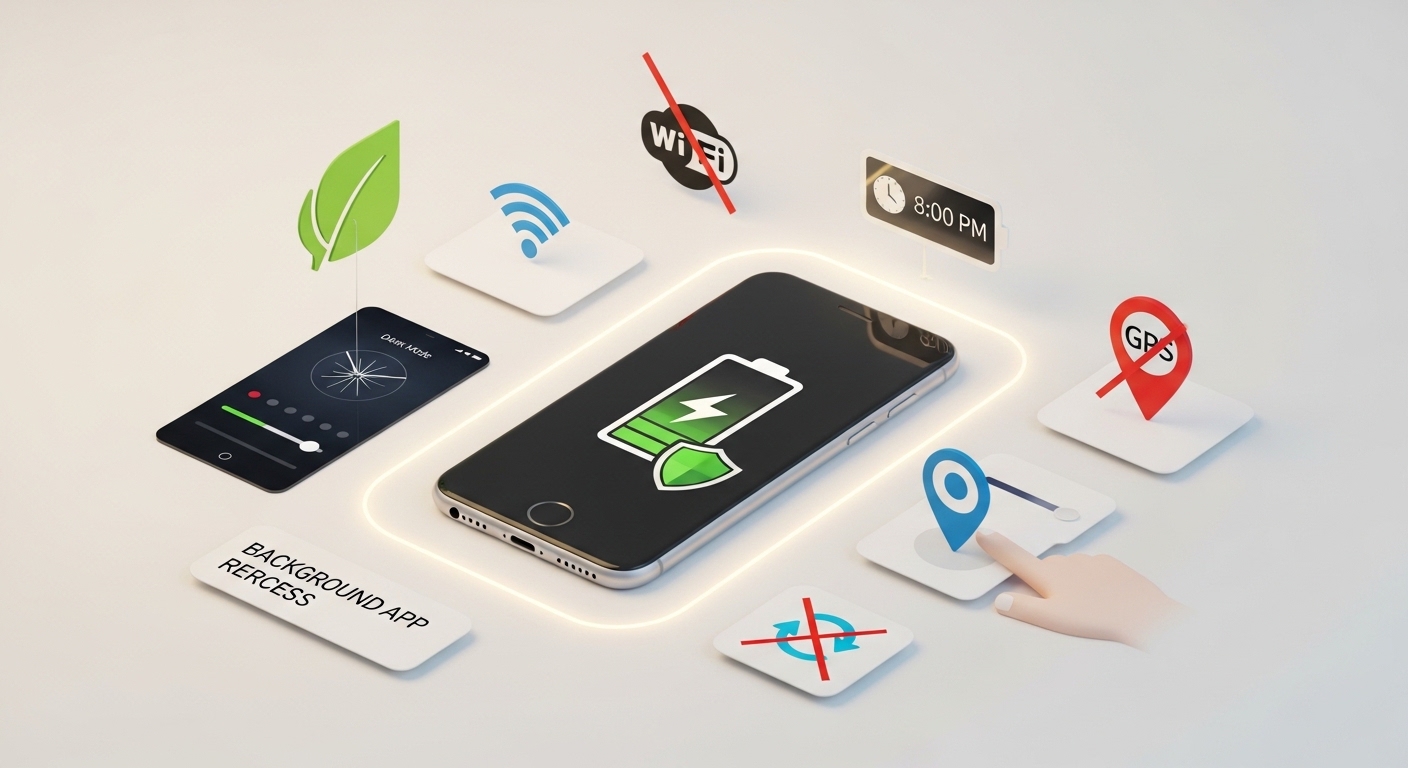
The good news is that you don’t always need a new battery or a new phone. By changing a few habits and settings, you can significantly improve smartphone battery life and make it last much longer throughout the day.
In this guide, you’ll learn practical, easy-to-follow methods to extend your phone’s battery performance.
Why Smartphone Batteries Drain Quickly
Before fixing the problem, it’s important to understand what causes battery drain. Some common reasons include:
- High screen brightness
- Background apps running continuously
- Poor network signal
- Location services always active
- Heavy gaming or video usage
- Outdated software
- Push notifications from many apps
Once you identify these causes, you can control them effectively.
1. Reduce Screen Brightness
The display is one of the biggest battery consumers on any smartphone.
How to improve:
- Lower brightness manually
- Enable auto-brightness
- Use dark mode if available
Why it helps:
A dimmer screen uses significantly less power, especially on OLED displays where dark pixels consume less energy.
2. Turn Off Unused Connectivity Features
Many users keep features on even when they are not needed.
Turn off when not in use:
- Bluetooth
- Wi-Fi (when outside)
- Mobile hotspot
- GPS/location services
Why it matters:
These features constantly search for signals, which drains battery in the background.
3. Limit Background App Activity
Apps often continue running even when you are not using them.
What you should do:
- Close unused apps
- Restrict background activity in settings
- Remove unnecessary apps
Benefits:
Less background activity means lower CPU usage and better battery performance.
4. Enable Battery Saver Mode
Most smartphones include a built-in Battery Saver or Power Saving Mode.
What it does:
- Reduces background processes
- Lowers screen brightness
- Limits performance slightly
- Stops non-essential syncing
When to use it:
- When battery drops below 30%
- During travel or long days
- When charging is not available
5. Manage Notifications Wisely
Every notification wakes up your phone and uses power.
Tips:
- Turn off unnecessary app notifications
- Keep only important alerts (messages, calls, emails)
- Disable promotional notifications from apps
Result:
Fewer interruptions and lower battery usage.
6. Avoid Extreme Temperatures
Battery performance is highly affected by temperature.
Problems caused by heat:
- Faster battery drain
- Permanent battery damage over time
- Slower charging
Problems caused by cold:
- Temporary battery drop
- Sudden shutdowns
Best practice:
Keep your phone in a moderate temperature environment.
7. Update Your Software Regularly
Software updates are not just for new features—they also improve battery efficiency.
Why updates matter:
- Fix battery-draining bugs
- Improve system optimization
- Enhance app performance
Tip:
Always keep your phone updated to the latest stable version.
8. Reduce Screen Timeout Duration
Screen timeout controls how long your display stays on when idle.
Recommended settings:
- Set screen timeout to 15–30 seconds
Why it helps:
Shorter screen-on time reduces unnecessary battery consumption.
9. Use Dark Mode (If Available)
Dark mode is not just a visual preference—it also saves battery.
Works best on:
- OLED and AMOLED screens
Benefits:
- Uses less energy for dark pixels
- Reduces eye strain
- Improves nighttime usability
10. Disable Auto Sync for Unnecessary Apps
Many apps sync data constantly in the background.
Examples:
- Email apps
- Cloud storage
- Social media apps
What to do:
- Turn off auto-sync for non-essential apps
- Sync manually when needed
Result:
Less background activity and better battery life.
11. Avoid Live Wallpapers and Heavy Widgets
Animated wallpapers and widgets can drain battery slowly but continuously.
Better alternatives:
- Static wallpapers
- Minimal widgets
Why it helps:
Less visual processing = less CPU and GPU usage.
12. Replace or Check Battery Health (If Needed)
If your phone is old, battery wear may be the real issue.
Signs of battery damage:
- Fast charging drop
- Phone heating up
- Sudden shutdowns
- Battery percentage jumps
Solution:
Consider battery replacement at an authorized service center.
Final Thoughts
Improving smartphone battery life is not about one big change—it’s about small daily habits. By adjusting brightness, controlling background apps, using battery saver mode, and managing connectivity, you can easily extend your phone’s usage time.
Most battery problems are caused by unnecessary settings running in the background. Once you optimize them, your phone will easily last longer throughout the day.
If you consistently follow these smart battery-saving practices, you will not only improve daily performance but also extend the overall lifespan of your smartphone battery.