In today’s digital world, phones and laptops have become essential parts of daily life. They store personal photos, banking details, passwords, business files, and private conversations. Because of this, they are also major targets for hackers and malware attacks. Cybercriminals constantly develop new ways to steal data, spy on users, or damage devices without being noticed.
The problem is that malware often works silently in the background. Many users only realize something is wrong when serious damage has already been done. Knowing the warning signs that your phone or laptop may have been hacked by malware can help you detect threats early and protect your data before it’s too late.
What Is Malware and Why Is It Dangerous?
Malware is malicious software designed to harm your device or steal information. It can enter your system through:
- Suspicious email attachments
- Fake apps or software downloads
- Unsafe websites
- Phishing links
- Pirated software
Once installed, malware can steal passwords, track activity, slow down your device, or even take full control of your system.
Unusual Slow Performance and Lagging Device
One of the earliest signs of malware infection is a sudden drop in performance.
What you may notice:
- Your phone or laptop becomes unusually slow
- Apps take longer to open
- System freezes frequently
- High battery usage without heavy use
Malware often runs background processes that consume CPU and memory, causing your device to struggle even with simple tasks.
If your device was working fine before and suddenly becomes slow without reason, it’s a strong warning sign.
Unexpected Pop-Ups and Ads
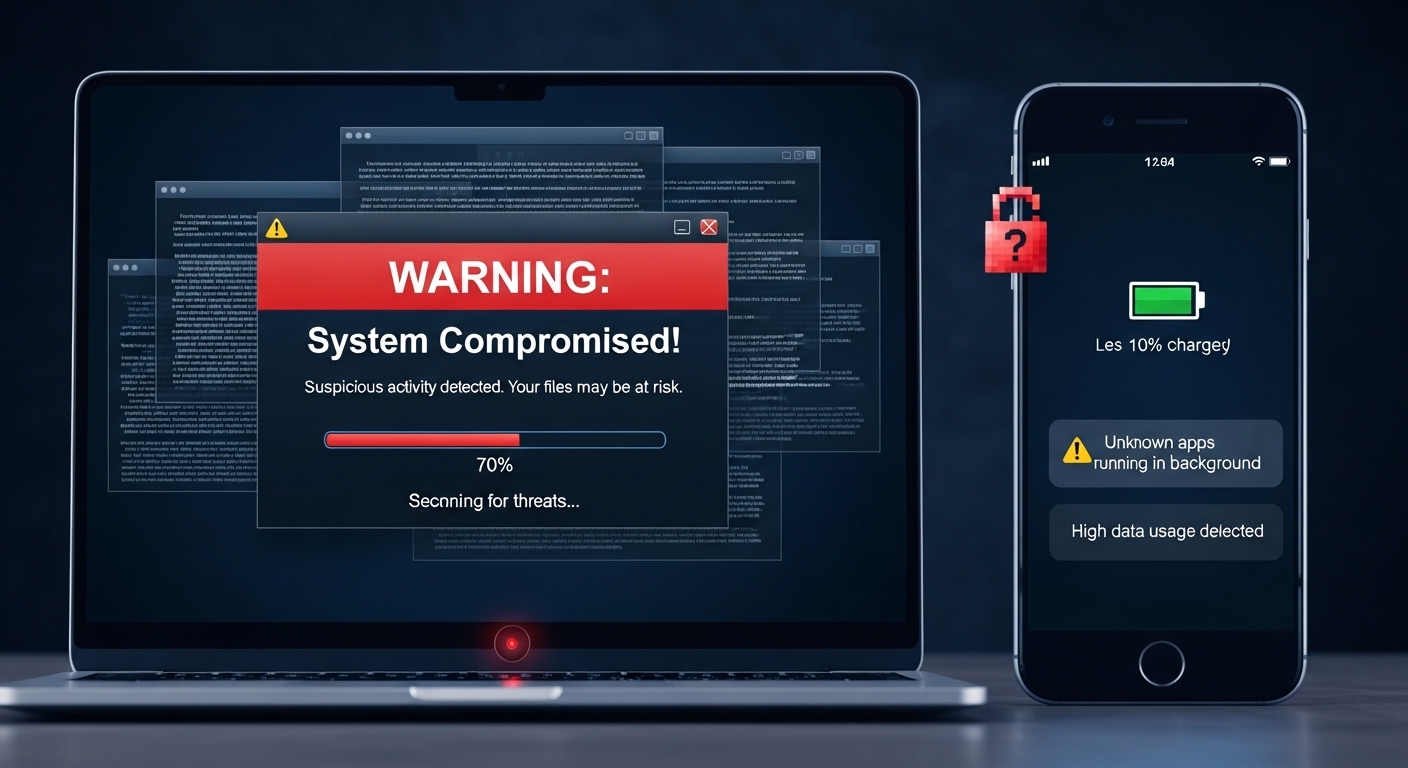
If your device is infected, you may start seeing strange pop-ups or ads.
These may include:
- Fake virus warnings
- Random advertisement windows
- Redirects to unknown websites
- Notifications from unknown apps
This type of malware is often called adware. It is designed to generate revenue for attackers by forcing users to click ads or visit unsafe websites.
Battery Draining Faster Than Usual
A hacked device often consumes more power than normal because malware keeps running in the background.
Signs include:
- Battery draining quickly even when idle
- Device heating without usage
- Sudden shutdowns at high battery levels
If your battery health hasn’t changed but performance drops suddenly, malware could be the cause.
Unknown Apps or Programs Appearing
One of the clearest red flags is the appearance of apps or software you don’t remember installing.
You should watch for:
- Strange apps on your home screen
- Unknown programs in system settings
- Apps with generic or suspicious names
- Apps that cannot be easily uninstalled
Hackers often install hidden tools to monitor your activity or steal information.
Increased Data Usage Without Explanation
Malware often sends stolen data to external servers, which increases internet usage.
Warning signs:
- Sudden spike in mobile data usage
- High background data consumption
- Internet usage even when you are not actively using apps
If your data plan runs out faster than usual, it could be a hidden malware process.
Frequent App Crashes or System Errors
When malware interferes with system files, apps may start behaving abnormally.
You might experience:
- Random app crashes
- System error messages
- Phone or laptop restarting unexpectedly
- Apps refusing to open properly
This happens because malware can corrupt or overload system processes.
Suspicious Login Activity or Account Alerts
If hackers gain access to your device, they may try to access your online accounts.
Watch for:
- Login alerts from unknown locations
- Password change notifications you didn’t request
- Emails sent from your account without your knowledge
- Social media activity you didn’t perform
This is a serious sign that your credentials may already be compromised.
Disabled Security Settings or Antivirus
Malware often tries to disable protection tools to avoid detection.
Warning signs include:
- Antivirus software turned off automatically
- Security settings changed without your permission
- You cannot install updates or security patches
If your protection systems stop working unexpectedly, malware may be interfering.
Strange Messages Sent From Your Device
Some malware types can send messages or emails from your phone or laptop.
You might notice:
- Messages sent to contacts you didn’t write
- Spam emails from your account
- Friends receiving suspicious links from you
This not only affects your device but also puts your contacts at risk.
What You Should Do If You Suspect Malware
If you notice any of the signs above, take immediate action:
Step 1: Disconnect from the Internet
Turn off Wi-Fi and mobile data to prevent data leaks.
Step 2: Run a Security Scan
Use a trusted antivirus tool to scan and remove threats.
Step 3: Remove Suspicious Apps
Delete any apps you don’t recognize or recently installed.
Step 4: Change Your Passwords
Update passwords for important accounts like email, banking, and social media.
Step 5: Update Your System
Install the latest security updates for your device.